Access control for theatres, auditoriums and venues
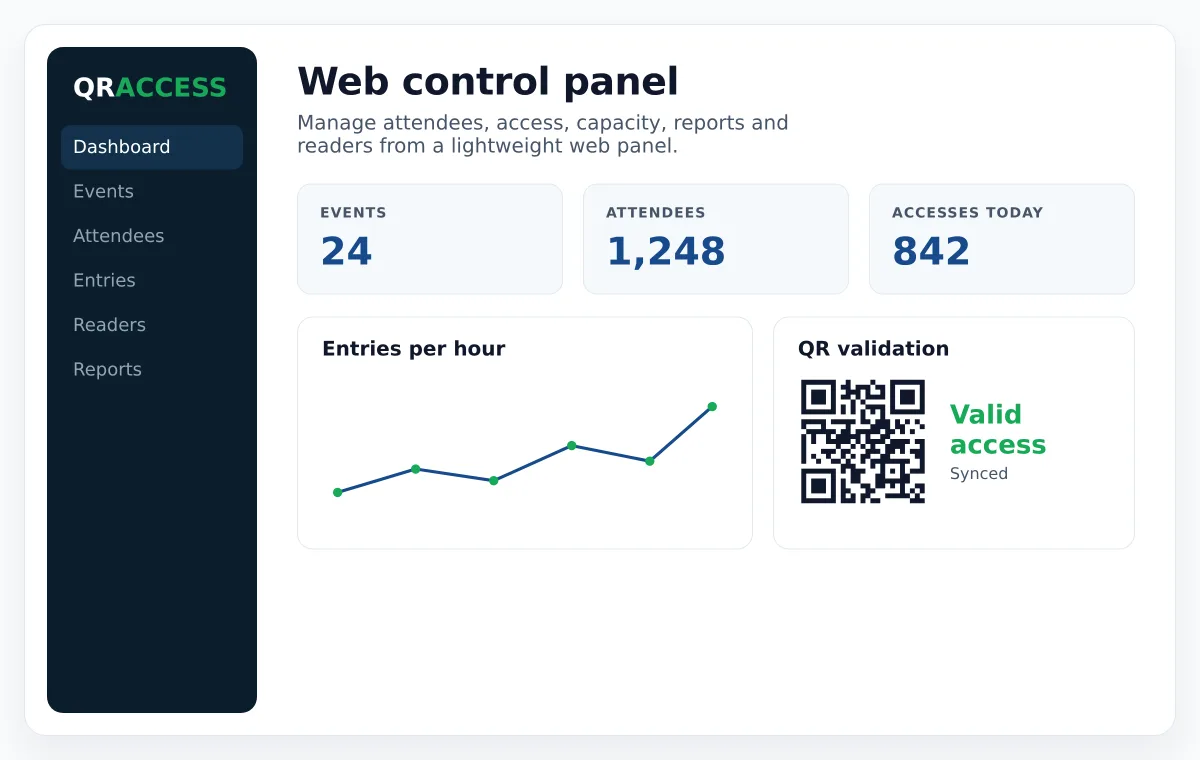
Sell with a seating map, split each session's capacity between your ticket types, and validate at the door with an app that highlights zone, row and seat.
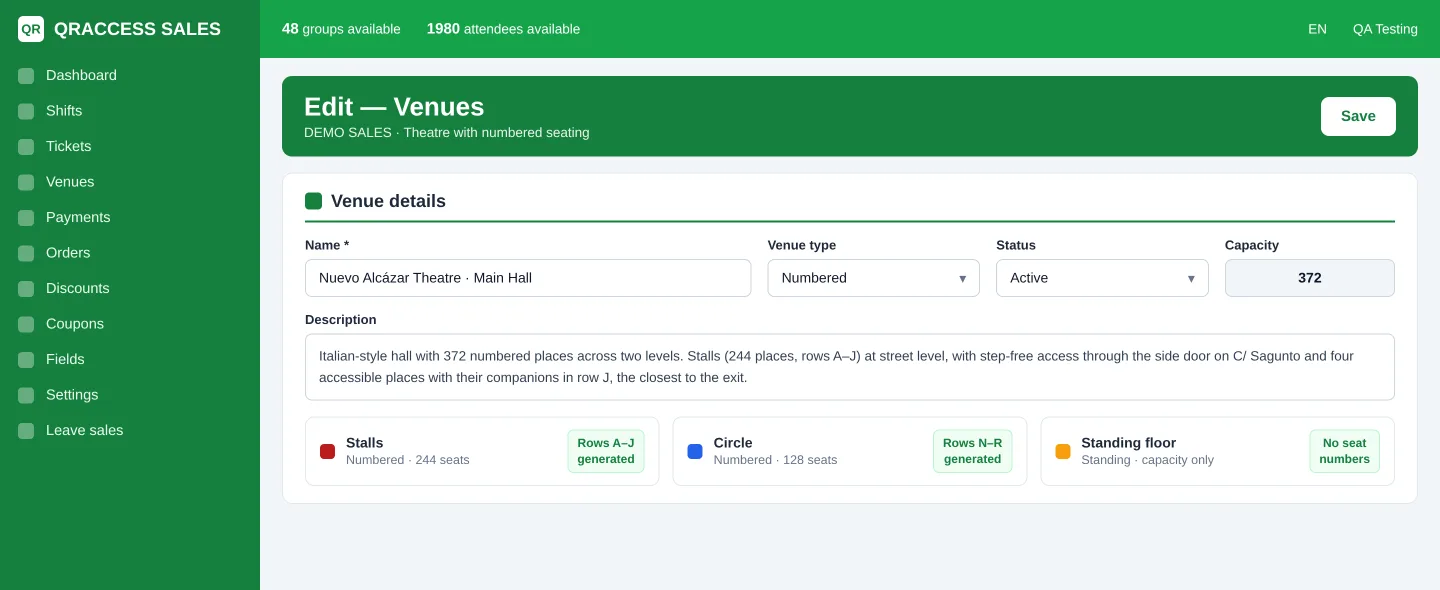
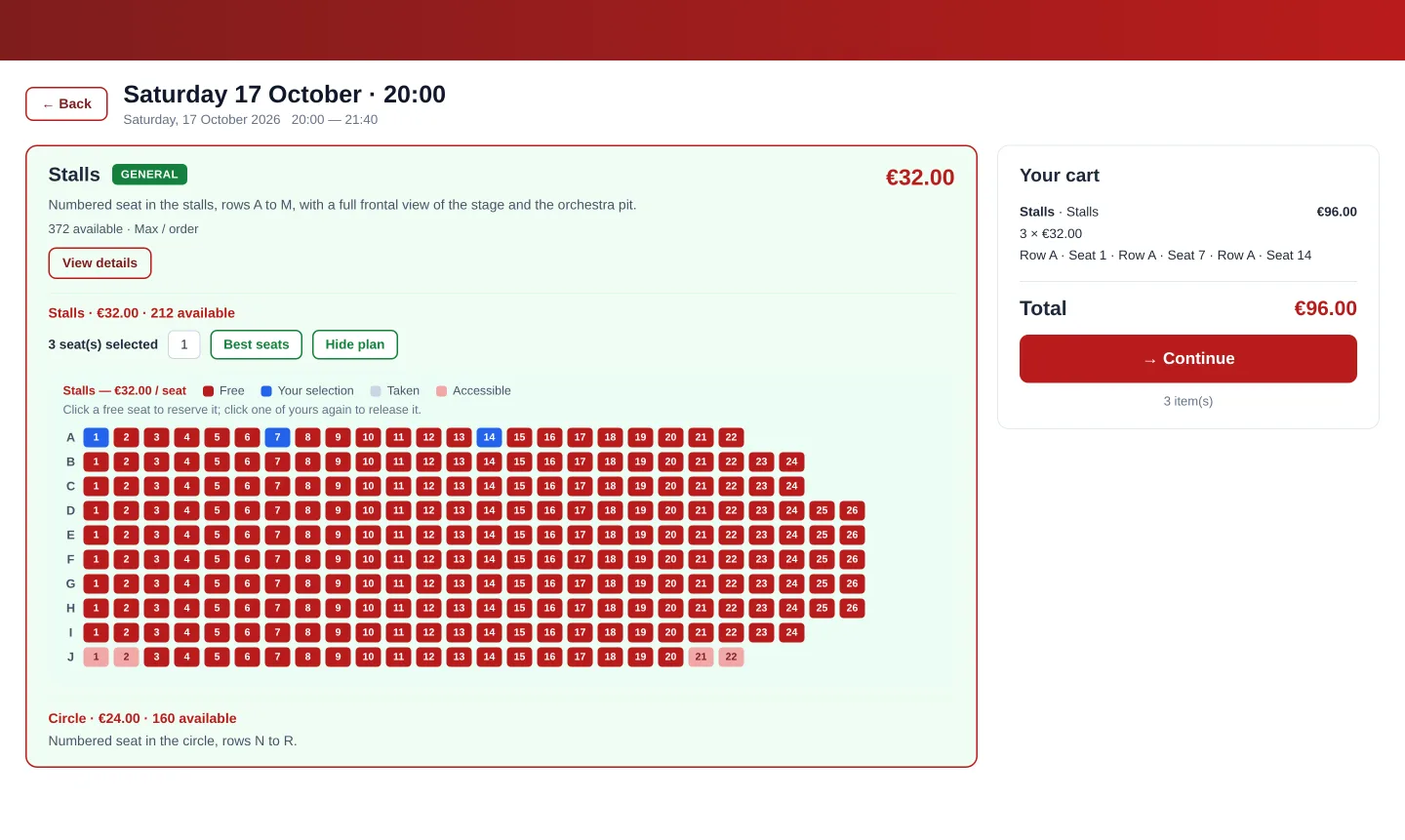
- Venue map with zones, numbered rows and seats
- Automatic "best available seat" assignment
- Quotas per ticket type in each session, on top of total capacity
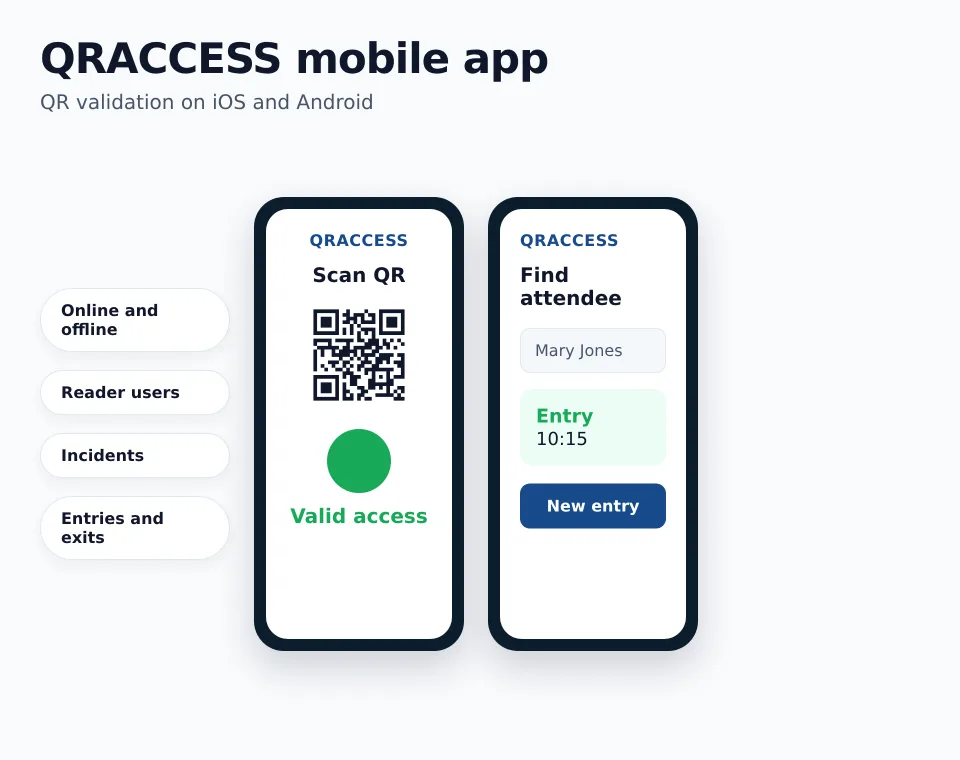
- Scanning a ticket highlights the exact seat on the phone
Draw the venue once, reuse it forever
Zones, rows and seats
Map your actual layout. Standing areas get their own capacity; seated areas get individual seats.
Blocked seats
Hold seats for guests, press, technical needs or accessibility, and release them when you decide.
Best available
Buyers who do not want to pick get the best seat left, so the hall fills from the front instead of at random.
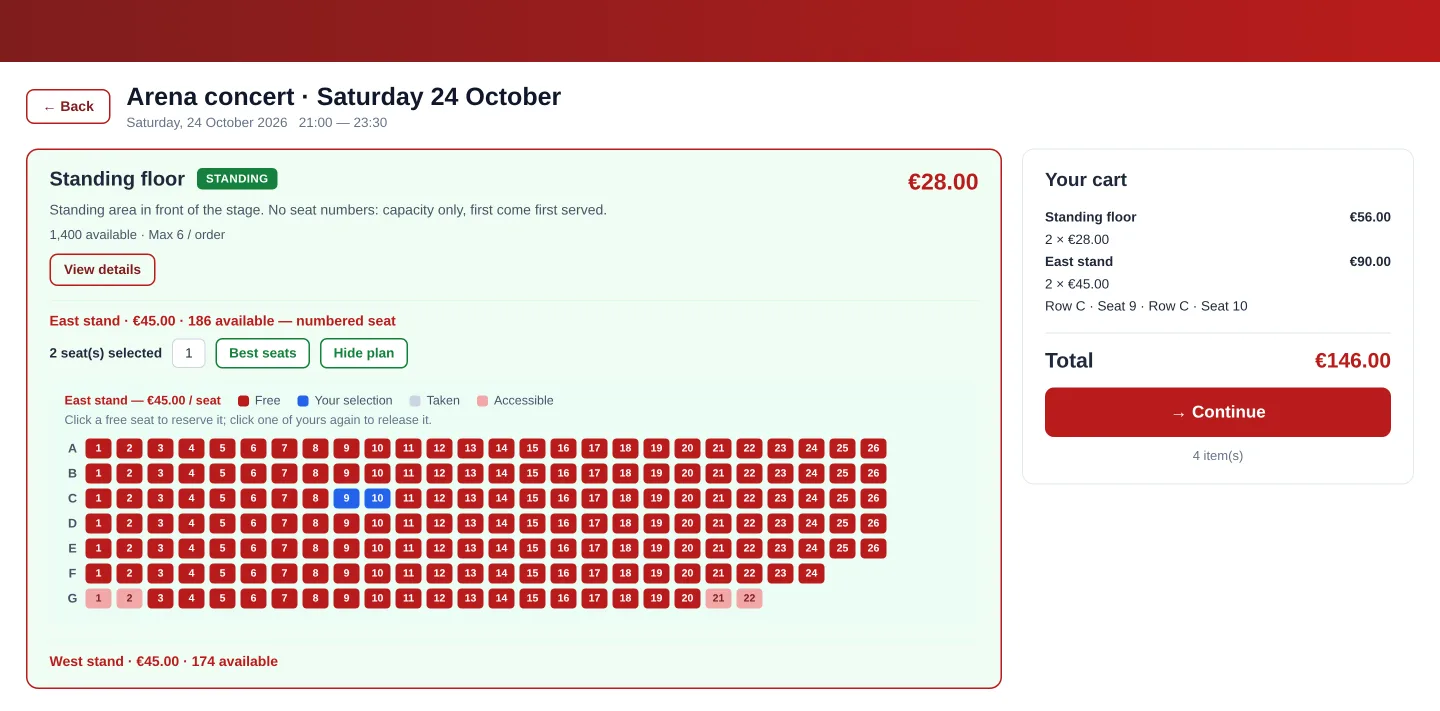
The seat map, exactly as your audience sees it
Real screenshots from two live demos — a theatre with numbered seats and an arena mixing a standing floor with a numbered stand. No mockups: this is the public store running (interface also available in English).
Seating a full house without a printed plan
When staff scan a ticket, the app shows zone, row and seat highlighted on screen. Nobody has to read a seat number off a small ticket in the dark and point vaguely.
A seat can only be sold once, even when two people are buying at the same second, so two ticket holders never arrive at the same chair.