Handing out hampers, uniforms and equipment
The system that controls access also controls handovers. Declare the event as a delivery and the panel, the exports and the app's messages switch wording: "Entry" becomes "Delivery", and a repeated code is rejected as "Already delivered". Each person collects once, at whichever point suits them, and you know who handed it over.
- One code, one handover — the second scan is rejected automatically
- Several collection points working from a single shared list
- Works with no signal: warehouses, plants, basements
- Returns are recorded too, not just handovers
- Handover wording in every panel language
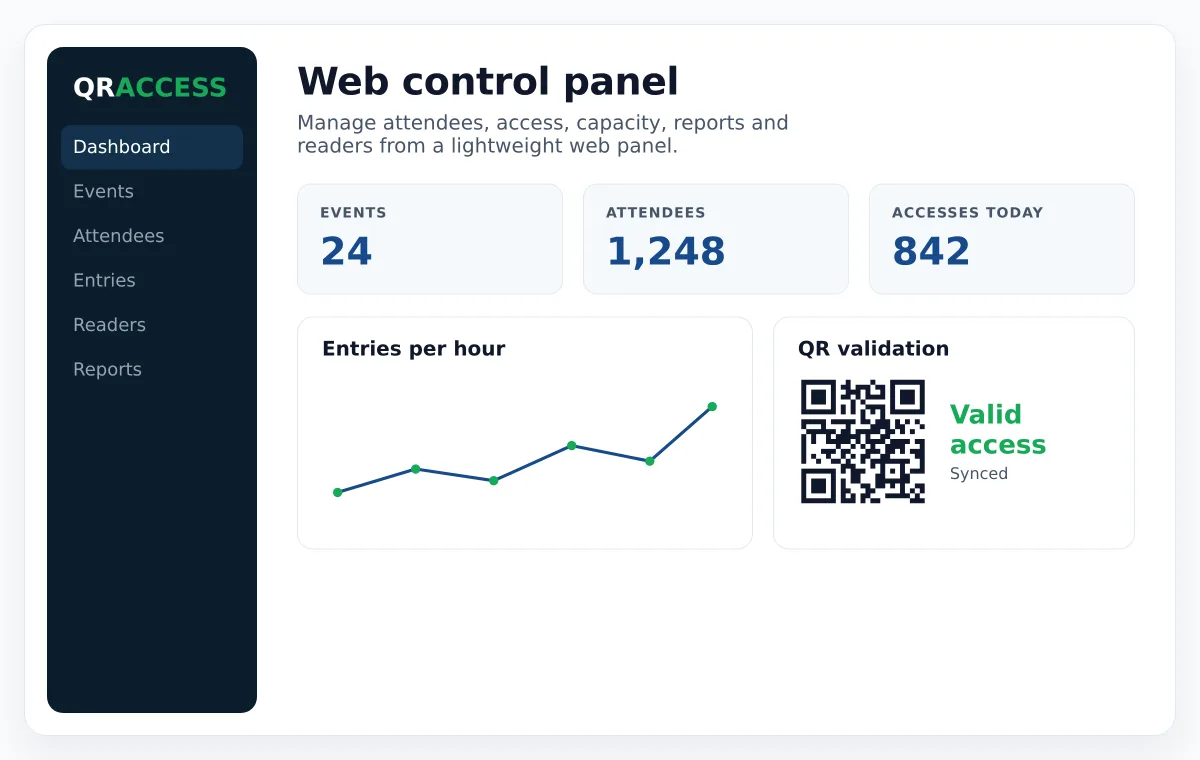
Checking who comes in and checking who collects is the same problem
Both have a list of people, one code each, and someone at the door making sure nobody goes through twice. All that changes is what things are called.
Access mode
The usual one: entries and exits, live capacity, control per session or zone. The screen talks about access.
Handover mode
Same mechanics, different vocabulary in the panel, the exports and the app's messages: deliveries and returns instead of entries and exits. A single setting on the event — nothing else changes.
Switch whenever you like
The mode is an event setting, not an account type. Handover campaigns and access events live side by side in the same panel.
From the list of people to the last box handed out
Load the list
Import from Excel or CSV the people entitled to collect, with the fields you need: department, site, size, assigned pack.
Send the codes
Each person gets a unique code by email, as a PDF or on their phone. You can also print them if the group does not use email.
Open the points
Set up as many collection points as you need. While they are online they all read against the same list, so nobody can collect twice in two places.
Hand over
Staff scan with the app and see on screen what belongs to that person. If it was already collected, the app rejects it as "Already delivered", and the panel shows when, where and by whom.
Close and reconcile
Filter delivered and outstanding in the panel, export them to reconcile with the warehouse, and archive the campaign without losing the data.
Where handover control is used
Any distribution where it matters that each person collects their own, once.
Christmas hampers and gifts
The classic: thousands of people, several collection points and different pack types per group. Two fields on screen tell staff which box to hand over.
Uniforms and workwear
Distribution by size and role, with the assigned size visible at handover. Seasonal replacements work the same way.
PPE and safety equipment
For when you need to prove it was handed over, to whom and when. Every handover records the staff member who made it.
IT equipment
Laptops, phones and accessories at onboarding — and the opposite movement: the return when someone leaves, in the same system.
Keys, cards and credentials
Handover and return of locker keys, access cards or fleet vehicles, with a history of who had what.
School books and devices
Textbooks, tablets or materials by class and year group, with the return at the end of the year.
Aid and social distribution
Food, kits or aid handed to beneficiaries, with your own list and a check that each one collects their allocation.
Merchandise and welcome packs
Delegate bags, shirts or welcome kits at trade fairs and conferences, with no queues and no paper lists.
Prizes and draws
Prize redemption with a unique code, where the common fraud is claiming it twice. The second scan rejects itself.
What you hand out, you often need back
Handover mode records returns as well, which is what turns a distribution into a controlled loan.
- Loaned equipment: tools, devices or vehicles that go out and must come back, with the history of every movement.
- Leavers and end of contract: laptop, phone, card and keys returned, with a record of what came back and what is missing.
- End of season: uniforms, books or kit collected in, knowing at any moment who still has theirs.
What it actually solves
Nobody collects twice
The code is single use. With the points online, the second attempt is rejected even if the first was somewhere else minutes ago, and the panel shows the date and point of the first handover.
Several points, no mismatches
While online, every station validates against the same live list. There are no paper sheets to reconcile at the end of the day.
You know who handed it over
Each scan stores the point and the staff member, using reader accounts with limited permissions.
Works without signal
Warehouses, plants, basements. The app downloads the list, validates offline and uploads the scans when the network returns. Offline, each point works from its own copy — keep the points online if several hand out at once.
Each person, their own
Your custom fields travel to the scanner's screen: size, model, pack type or whatever decides what gets handed over.
Reconciliation at close
CSV export (opens in Excel) of delivered and outstanding, and the campaign archived without losing the data.