Badges that send themselves, certificates that add up the hours
Design the badge once and every attendee gets their own by email: PDF to print, Apple Wallet or PKPASS for the phone. Afterwards, attendance certificates built from the actual scans.
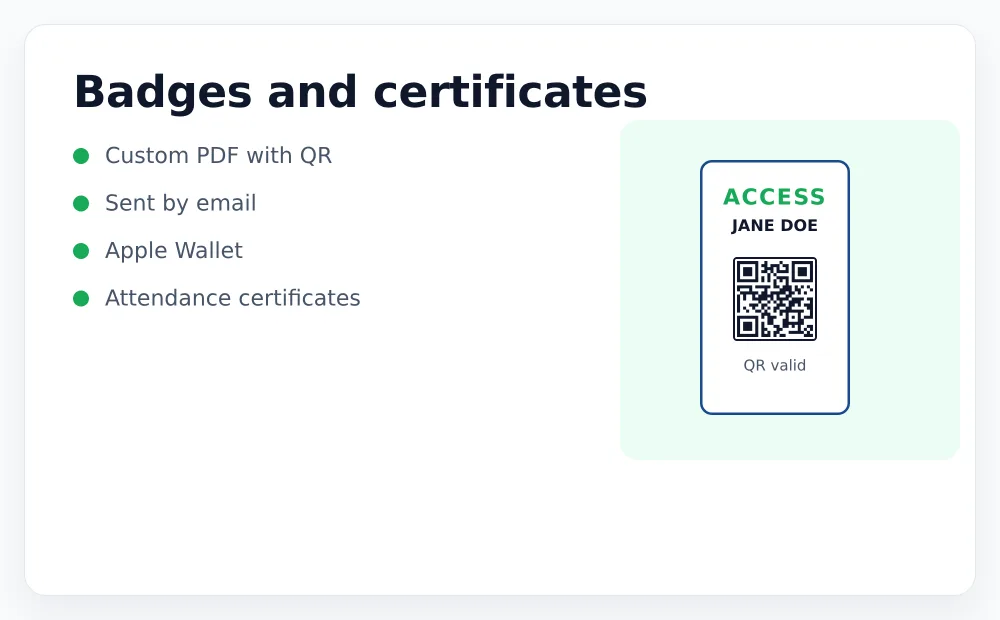
Three ways to carry a badge
For printing, or for the attendee who prefers paper. Your design, your fields, your logo.
Apple Wallet / PKPASS
Sits in the phone's wallet, so nobody has to dig through their inbox at the door. Requires Apple certificates, which we help you set up.
Inline in the email
The QR visible in the message body. The lowest-friction option, and the one that works on every device without installing anything.
Attendance hours calculated from the door, not declared
For accredited training, the value of a certificate is that the hours are real. Ours come from the entry and exit scans.
- Hours per day, and a total for the whole course
- Shifts that cross midnight count correctly — a session from 22:00 to 02:00 is four hours, not two broken days
- Missing exits are flagged rather than silently counted as zero
- Your template, your signature, your logo
Sent in batches by email, and the send report tells you exactly who did not receive it and why — instead of a green tick that hides the failures.
Your badge, not our template with your logo squeezed in
The badge is an HTML template you control: layout, colours, which fields appear and where. Put the company on it, the ticket type, the seat, or a photo.
Placeholders that cannot be filled are removed before printing, so nobody ever receives a badge with a stray marker on it.
Send yourself a badge
Create an account, register as your own attendee and see what lands in your inbox.