Attendee registration that ends in a working badge
Publish a registration page with the fields you need, import the list you already have, or both. Everyone ends up in the same list, with a QR badge in their inbox.
- Configurable forms: your fields, your logo, your privacy text
- Import from Excel, or open registration, or both at once
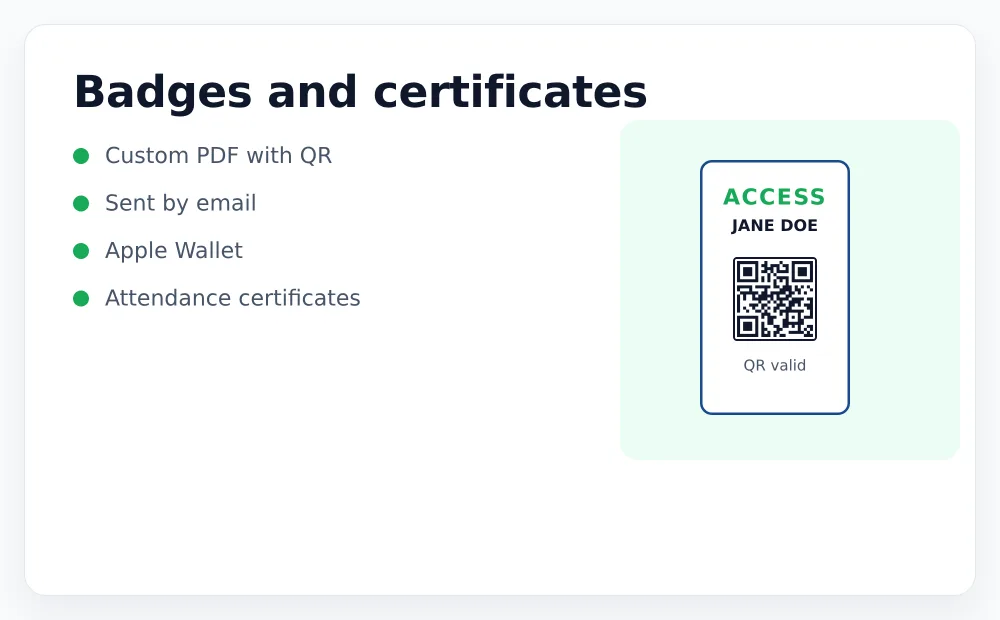
- Badges by email as PDF, Apple Wallet or PKPASS
- Approve manually, or send the badge instantly
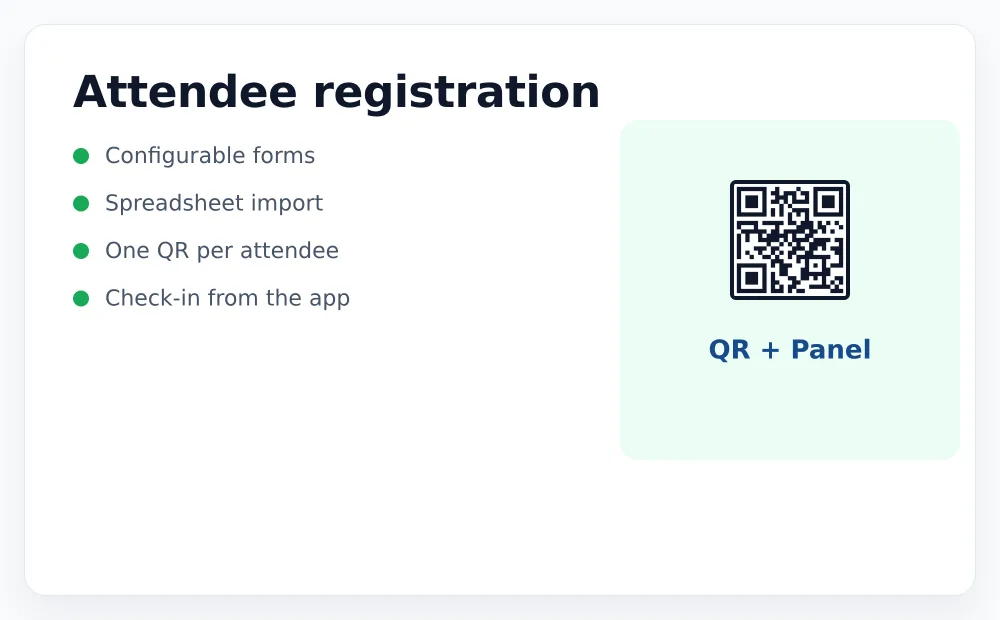
However people sign up, they end in the same list
A registration page
Hosted for you, with your logo and the fields you choose. Share the link or embed it. Duplicate control and email validation included.
An import
Upload the spreadsheet you already have. Map the columns once and the badges go out to everyone on it.
A ticket sale
If you are selling tickets, each buyer becomes an attendee automatically. No export, no reconciliation.
Not every QR should behave the same way
A conference badge, a multi-day pass and a membership card are three different things, and the difference is how many times the code may be used.
- Single use. Valid once. The second scan raises a warning.
- A set number of scans. For passes worth a fixed number of entries.
- Unlimited per day, until revoked. Membership cards and season passes.
- Valid between dates, or only on certain days of the week.
All of it configurable per event, so the same person can hold a badge that behaves differently at two of your events.
Ask for what you actually need
Text, selectors, required or optional. What you ask on the form is what you get in the export and what can be printed on the badge.
On the badge
Choose which fields print: name, company, role, ticket type. The design is yours.
In the door app
Decide what staff see when they scan. Useful for spotting a VIP, an accessibility need or a paid extra.
In the export
Everything, with the scan history: who came, when and through which door.
Set up a registration page in ten minutes
Create an account, publish a form, register yourself and scan your own badge.